
Vibe coding is one of the best things to happen to software development. It is also one of the most dangerous if you don't understand what comes after the vibes.
I say this as someone who uses AI to code every single day. I'm not anti-vibe coding. I wrote a whole guide for beginners on how to get started with it. But after three years of working with AI-generated code in production, I've seen what happens when the initial excitement wears off and real problems start showing up.
This is the part nobody talks about.
What Vibe Coding Gets Right
Before I get into the problems, I want to be clear: vibe coding is a genuinely great way to start.
For people who have never written code before, the ability to describe what you want in plain English and watch it appear on screen is incredible. It removes the biggest barrier to building things, the learning curve. You don't need to spend months memorizing syntax before you can see results. If you're just getting started, our beginner's guide to vibe coding walks you through the entire process step by step, and our 15 vibe coding project ideas for beginners will give you plenty to practice on.
For developers, it changes how you work. I use Claude Code daily and it has made me significantly faster at tasks that used to take hours. Writing boilerplate, scaffolding new components, translating between languages, debugging with context. These are all things AI handles well when you know how to supervise it.
The problem isn't vibe coding itself. The problem is what happens after.
The Hangover
Here's the pattern I keep seeing, both in my own work and across the industry.
Phase 1: You build something with AI. It works. You're excited. You ship it.
Phase 2: Weeks or months pass. A feature request comes in, or something breaks, or you need to make a change.
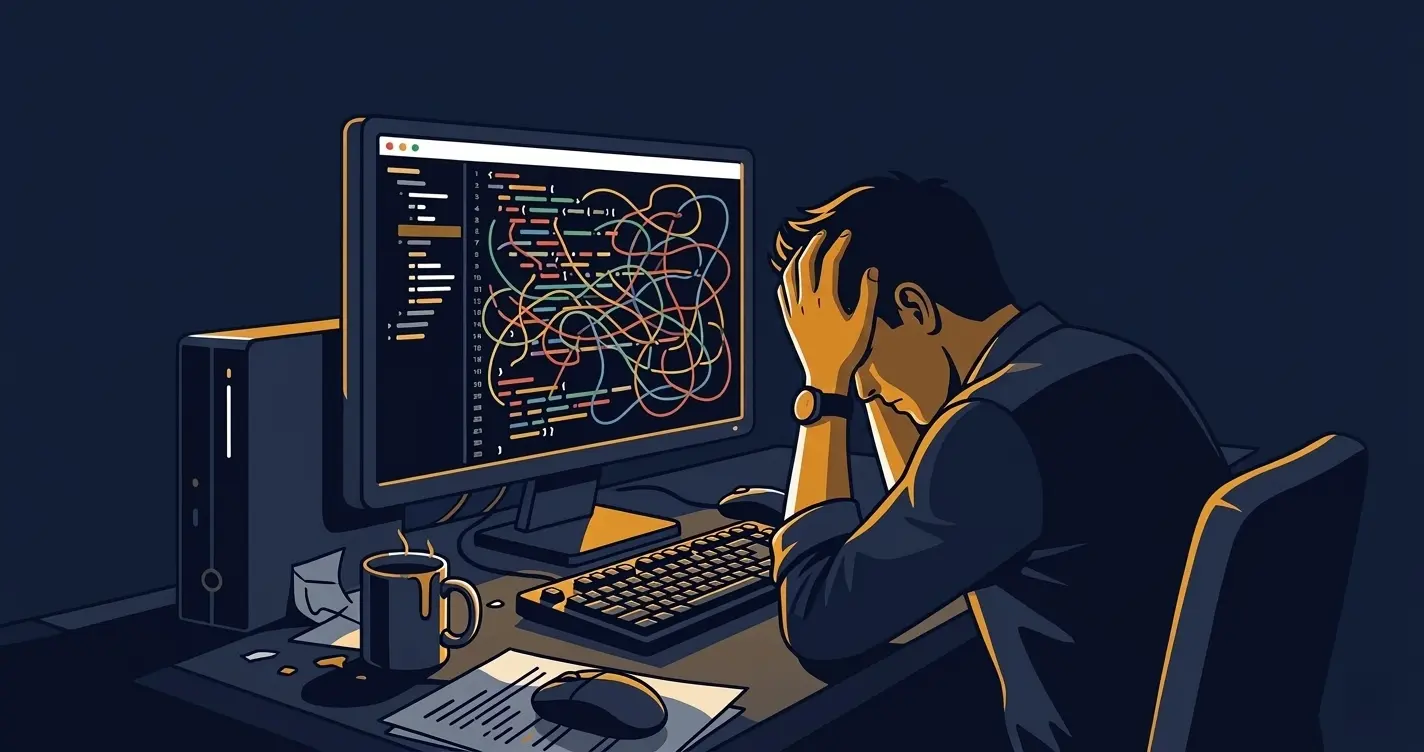
Phase 3: You open the code and realize you have no idea what half of it does. Or worse, you understand it, and it's a mess.
This is the vibe coding hangover. The moment when code that "works" becomes code you have to maintain.
The industry is feeling this at scale right now. Senior engineers are reporting what they call "development hell" when inheriting AI-generated codebases. Open source maintainers are shutting down projects because they're being flooded with low-quality AI-generated pull requests. One maintainer banned AI code submissions entirely, calling it "an anti-idiot stance, not an anti-AI stance."
The code works on day one. The problems start on day ninety.
What I Saw Firsthand
I had a developer on my team who was sharp, ambitious, and always on the newest tools. He was using ChatGPT in his workflow daily, building web pages, making database changes, shipping features. I would review his work, make sure everything functioned, and he would test it before it hit production.
For the most part, everything worked.
But we were a small team and honestly, I was busy. My reviews were quick. I was checking if things worked, not how they were built. I trusted the output because the output was functional.
The issues didn't surface until after he moved on. Once we started getting feature requests for the components he built, we realized how inefficient the code was. It didn't follow our conventions. There were more lines than necessary for simple tasks. Dead code sitting in files doing nothing. The architecture made it harder to extend than if it had been written from scratch.
Everything worked. But nothing was built to last.
I ended up refactoring most of it. The time we saved during development, we spent later cleaning up. For a small business without the resources to dedicate a team to code reviews, this is a real risk.
And that's the thing. This wasn't a bad developer. This was a capable person using AI tools without enough oversight, on a team that was too busy to catch it early. That's most small development teams.
Why AI Code Rots Faster
Code written by AI has a specific problem that human-written code doesn't: it lacks intent.
When a developer writes code, they make decisions based on context. They know why they chose one approach over another. They follow patterns established in the rest of the codebase. They think about what happens when this code needs to change six months from now.
AI doesn't think about any of that. It generates what works right now based on the prompt it received. It doesn't know your conventions. It doesn't know that you have a utility function that already does the same thing. It doesn't consider how this component connects to the rest of your system.
The result is code that works in isolation but doesn't fit into the bigger picture. And that disconnect compounds over time. Every AI-generated file that doesn't follow your patterns makes the next change harder.
The 40% Problem
Studies are backing this up. A recent analysis of open source pull requests found that code co-authored with AI contained roughly 1.7 times more major issues than human-written code. Logic errors, misconfigurations, and security vulnerabilities were all significantly higher.
Meanwhile, 63% of developers report spending more time debugging AI-generated code than they would have spent writing it themselves, at least some of the time. And 40% of junior developers admit to deploying code they don't fully understand.
That last stat is the one that keeps me up at night. Not because junior developers are doing anything wrong, but because the tools make it so easy to ship code you haven't actually learned from.
How ready is your business for AI? Take our free 2-minute assessment and get a personalized score with actionable recommendations.
Take the AssessmentWhere the Line Is
So where does vibe coding work and where does it break down?
Vibe coding works great for:
- Prototyping and proving ideas quickly
- Building simple tools and personal projects
- Learning how code works by seeing it generated and then studying it
- Scaffolding components that you then refine and customize
- Handling repetitive boilerplate that follows well-known patterns
Vibe coding gets dangerous when:
- You're deploying to production without understanding the code
- You skip code reviews because "it works"
- The project involves authentication, databases, security, or payment processing
- Multiple people need to maintain the codebase over time
- You treat AI output as final instead of as a first draft
The line isn't about skill level. It's about accountability. If you're building something only you will ever use, vibe code all you want. If other people depend on it, you need to understand what you're shipping.
What I Actually Do
I use AI for probably 70% of my coding workflow now. But I've built guardrails around how I use it.
I never let AI modify files I haven't reviewed. I read every line of generated code before it goes into production. When AI writes something that works but doesn't match my conventions, I refactor it or ask it to try again with more context.
I developed a framework called TCREI for working with AI: define the Task, provide Context, specify the Result Type, Evaluate the output, and Iterate. I wrote a full breakdown of the TCREI framework if you want the details. It sounds simple, but it's the difference between code that works today and code that still works in six months.
The point isn't to avoid AI. It's to supervise it. The same way you wouldn't let a new hire push code straight to production without a review, you shouldn't let AI do it either.
The Real Opportunity
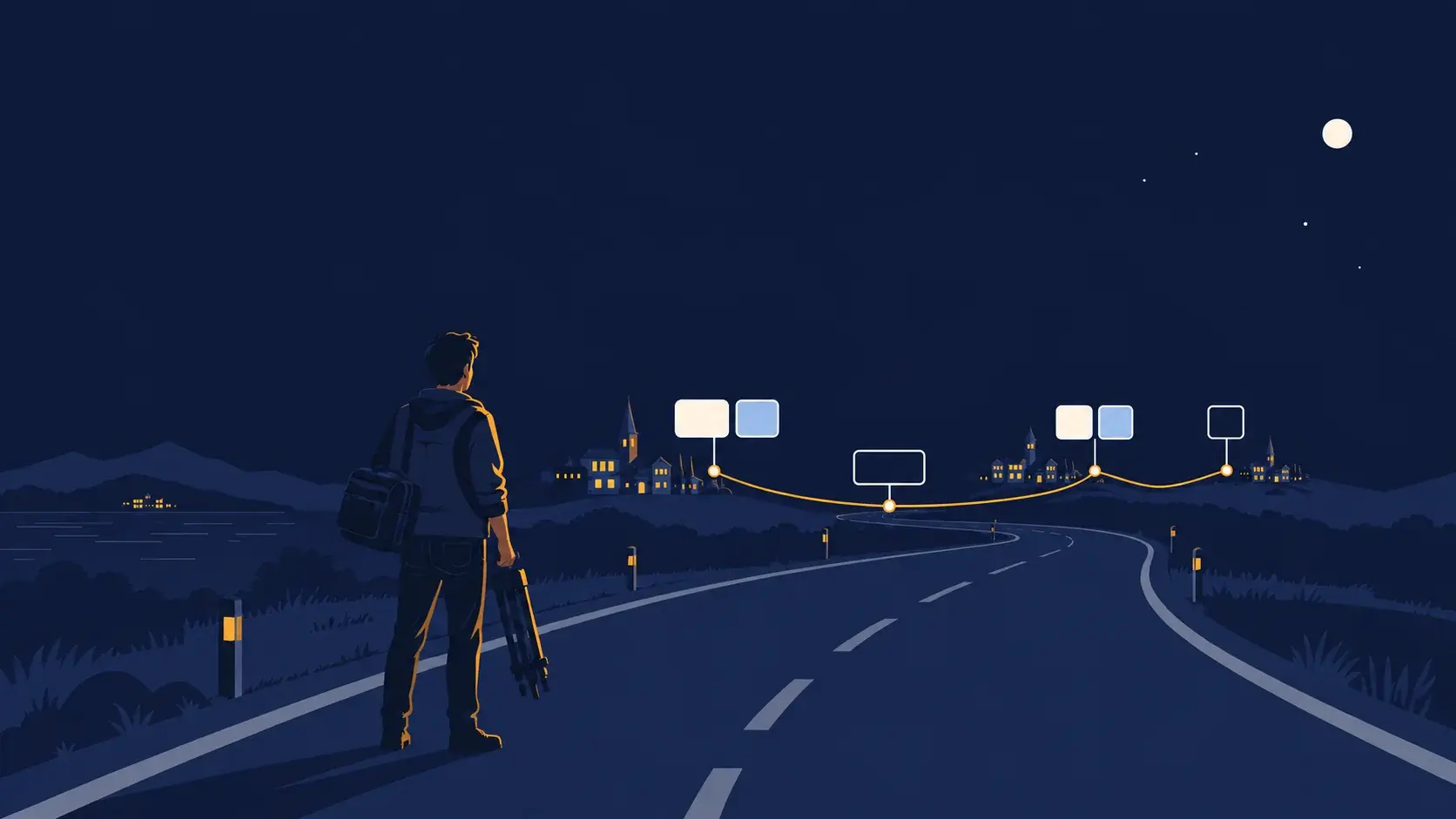
Here's what I think most people miss about vibe coding: it's not the destination, it's the on-ramp.
Someone who has never coded before can vibe code a portfolio site this weekend. That's amazing. But the real value comes when they start reading the code AI generated and understanding why it works. When they notice patterns. When they start making small manual changes because they learned enough to know what to adjust.
Vibe coding is the fastest way to go from zero to building. But at some point, you need to understand what you're building. Not because AI is bad, but because understanding is what separates something that works from something that lasts.
The developers who will thrive aren't the ones who avoid AI or the ones who blindly trust it. They're the ones who learned to work with it, check its work, and build something they can stand behind.
That's not anti-AI. That's just good engineering.
The Biz Spark Guide
Want the complete framework for working with AI effectively? "How to Actually Get Work Done With AI" covers the supervision mindset, the TCREI framework, real workflows, and a case study where we took AI approval rates from 20% to 80%.
Get the Guide - $20